
Epson Stylus Office BX630FW/BX635FWD/WorkForce 545/645 Basic Operation Guide

This is a basic operating guide that describes how to use the product to copy, fax and scan
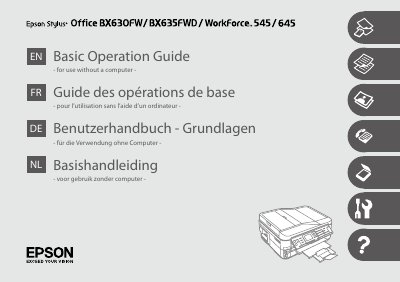

Epson Stylus Office BX630FW/BX635FWD/WorkForce 545/645 Basic Operation Guide - cover page
Brand
Epson
Category
All-in-one printer
Document type
User Manual
Language
English
Pages
148
File format
PDF
File size
4 MB
Published
05 December, 2012
Updated
30 September, 2023
MD5 checksum
1E9A9960326C051034100FD05790471D

About this manual

This document serves as a Basic Operation Guide for the Epson Stylus Office BX630FW, BX635FWD, WorkForce 545, and WorkForce 645 multifunction printers. It provides instructions for using the device without a computer, covering essential functions such as copying, faxing, and scanning.

What's inside

  • About This Guide
  • Important Safety Instructions
  • Guide to Control Panel
  • Using the LCD Screen
  • Power Saving Function
  • Handling Media and Originals
  • Copy Mode
  • Fax Mode
  • Scan Mode
  • Setup Mode (Maintenance)

Frequently asked questions

What is the primary purpose of this guide?

This guide is for use without a computer.

What must be done to avoid bodily injury and damage to the equipment?

Warnings and cautions must be followed carefully.

Download PDF (4 MB)

More Epson Manuals


View all Epson manuals →