
Key facts
- Brand
- ZOOM
- Model
- R16
- Documents
- 2
- Languages
- EN
- Last added
- 2012-07-05
Start here
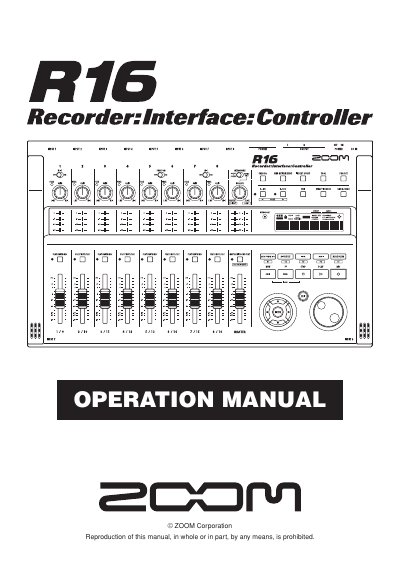
ZOOM R16 Recorder Interface Controller User Manual
The ZOOM R16 is a versatile device functioning as an 8-track multitrack recorder, a Hi-Speed USB 2.0 audio interface, and a control surface for DAW software. It supports up to 32GB SDHC cards and allows for recording up to 16 tracks when two units are linked via USB. The device features built-in microphones, various input jacks for guitars and microphones, and comprehensive mixer functions.
Read onlineZOOM R16 specifications
| Max tracks (single unit) | 8 tracks |
|---|---|
| Max tracks (linked units) | 16 tracks |
| Max SD card capacity | 32 GB |
| Sampling rate | 44.1-kHz |
| Max input/output | 8 inputs and 2 outputs |
| Max sample rate (interface) | 96 kHz |
| USB standard | USB 2.0 |
All ZOOM R16 documents by type
Day-to-day operation, settings and troubleshooting. Start here if the product is already set up.
Questions answered in these manuals
Can I connect two R16 units together?
Yes, you can connect two R16s together with a USB cable to record a maximum of 16 tracks.
What type of batteries does the R16 use?
The R16 uses six conventional size AA-1.6 volt batteries, such as alkaline or nickel-metal hydride.
What DAW software is supported?
The manual specifically details setup for Cubase LE 4, Logic 7/8, SONAR 7/8, LIVE 6/7, and Digital Performer.
From: Zoom R16 Audio Interface and Control Surface User Manual
Can the unit be powered by a computer?
Yes, the R16 can be powered directly by the computer's USB bus.
From: Zoom R16 Audio Interface and Control Surface User Manual