
Key facts
- Brand
- ZOOM
- Model
- G1U
- Documents
- 2
- Languages
- EN
- Last added
- 2012-07-05
Start here
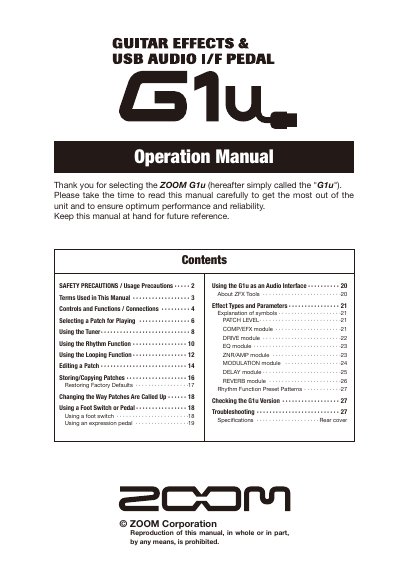
ZOOM G1u Guitar Effects & USB Audio I/F Pedal Operation Manual
This document is the operation manual for the ZOOM G1u, a guitar effects and USB audio interface pedal. It provides instructions on safety precautions, connecting cables, and operating the unit in play mode to select and adjust patches.
The guide details advanced features such as using the rhythm function with preset patterns, utilizing the looping function, editing patch parameters across various effect modules (Drive, EQ, ZNRYAMP, etc.), and storing or copying patches. It also explains how to use the unit as an audio interface for a computer via USB.
ZOOM G1U specifications
| Power Supply (AC) | ZOOM AD-0006 or AD-16 |
|---|---|
| Power Supply (Battery) | Four IEC R6 (size AA) batteries |
| Memory Capacity | 20 banks |
Source: ZOOM G1u Guitar Effects & USB Audio I/F Pedal Operation Manual
All ZOOM G1U documents by type
Day-to-day operation, settings and troubleshooting. Start here if the product is already set up.
Questions answered in these manuals
What type of batteries does the G1u use?
It uses four conventional IEC R6 (size AA) alkaline batteries.
From: ZOOM G1u Guitar Effects & USB Audio I/F Pedal Operation Manual
Can the G1u be used for recharging?
No, the unit cannot be used for recharging.
From: ZOOM G1u Guitar Effects & USB Audio I/F Pedal Operation Manual
What type of batteries does the G1u use?
The unit uses four conventional IEC R6 (size AA) alkaline batteries.
From: ZOOM G1u Guitar Effects & USB Audio I/F Pedal Operation Manual
Can the G1u be used as an audio interface?
Yes, the unit can be connected to a computer via a USB port to serve as an audio interface.
From: ZOOM G1u Guitar Effects & USB Audio I/F Pedal Operation Manual