
This manual explains how to use the ZOOM G1u effect pedal
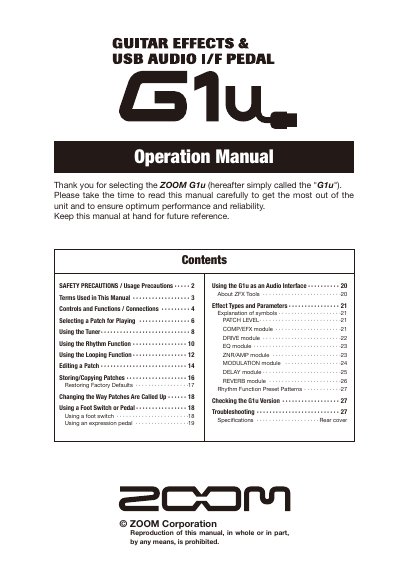
This document is the operation manual for the ZOOM G1u, a guitar effects and USB audio interface pedal. It provides instructions on safety precautions, connecting cables, and operating the unit in play mode to select and adjust patches.
The guide details advanced features such as using the rhythm function with preset patterns, utilizing the looping function, editing patch parameters across various effect modules (Drive, EQ, ZNRYAMP, etc.), and storing or copying patches. It also explains how to use the unit as an audio interface for a computer via USB.
| Power Supply (AC) | ZOOM AD-0006 or AD-16 |
|---|---|
| Power Supply (Battery) | Four IEC R6 (size AA) batteries |
| Memory Capacity | 20 banks |
It uses four conventional IEC R6 (size AA) alkaline batteries.
No, the unit cannot be used for recharging.