
Key facts
Start here
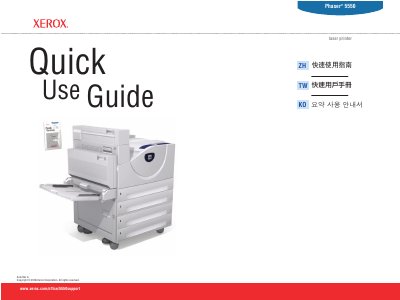
Xerox Phaser 5550 Laser Printer Quick Use Guide
This quick use guide for the Xerox Phaser 5550 laser printer explains basic printing from a computer, paper tray setup, and supported paper sizes and weights for Tray 1 (MPT) and Tray 2 through Tray 6.
It also describes the control panel buttons and Help button, paper jam help, supplies information, printer components, and how to open the Xerox Support Centre.
Xerox Phaser 5550 specifications
| Tray 1 (MPT) custom paper size | SE 89–297 mm (3.5–11.7 in.); LE 98–432 mm (3.87–17.0 in.) |
|---|---|
| Tray 2, 3, 4, 5 custom paper size | SE 140–297 mm (5.5–11.7 in.); LE 182–432 mm (7.16–17.0 in.) |
| Tray 2 paper weight | 60–105 g/m² (16 lb. Bond – 28 lb. Bond) |
| Tray 6 supported paper sizes | Executive, Letter, A4, B5 JIS |
All Xerox Phaser 5550 documents by type
The shortest path to a working setup, usually only a few pages.
Questions answered in these manuals
How do I perform basic printing?
Select properties, use the Xerox printer driver, and confirm or change settings.
What should I do if paper jams?
Press the Help button for jam clearing procedures, or view the PrintingScout message or the Troubleshooting chapter in the User Guide.
How do I clear a paper jam on the Phaser 5550?
Press the Help button on the control panel to display jam clearing procedures, or view the PrintingScout message and refer to the Troubleshooting chapter in the User Guide.
Where can I find supplies information for the printer?
Check the Supplies Info menu and print the Supplies Usage page, or visit the Xerox Supplies website via the Xerox Support Centre.