
Key facts
- Brand
- Xerox
- Model
- Travel Scanner 100
- Category
- Scanner
- Industry
- Electronics
- Documents
- 2
- Languages
- IT · ZH
- Last added
- 2026-11-02
Start here
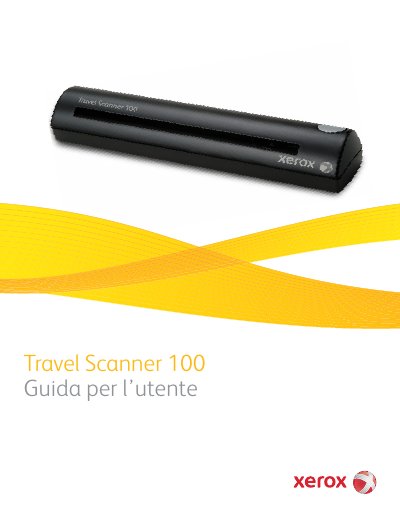
Xerox Travel Scanner 100 User Guide
This user guide provides step-by-step instructions for installing, scanning, configuring, and maintaining the Xerox Travel Scanner 100. It includes system requirements, safety guidelines, and troubleshooting tips. The scanner connects via USB and is designed for portable use. Contents cover software setup, One Touch scanning, TWAIN interface, calibration, cleaning, and driver management. This manual is written in Italian.
Read onlineXerox Travel Scanner 100 specifications
| Processor | PC Pentium 4 IBM compatible or equivalent AMD |
|---|---|
| Operating System | Windows 2000 (SP4), Windows XP 32-bit (SP2), Windows Vista 32-bit or 64-bit |
| RAM | Minimum 512 MB for Windows 2000/XP, 1 GB for Windows Vista |
| Disk Space | Minimum 350 MB |
| Display | VGA or SVGA monitor with resolution at least 800 x 600 pixels |
All Xerox Travel Scanner 100 documents by type
Day-to-day operation, settings and troubleshooting. Start here if the product is already set up.
Questions answered in these manuals
What is the Xerox Travel Scanner 100 used for?
It is used to quickly scan paper documents like letters or receipts and load electronic images onto a computer.
What is included in the box with the scanner?
It includes the scanner, USB cable, installation disc, quick start guide, technical support card, carrying case, calibration page, photo sleeves, and cleaning sheet.
What is included in the box with the scanner?
The package includes the Travel Scanner 100, a USB Cable, an Installation Disc, a Technical Support Card, a Carrying Bag, Calibration Pages, Photo Sleeves, a Cleaning Sheet, and a Quick Install Guide.
How often should the scanner be calibrated?
The scanner needs to be calibrated as part of your monthly maintenance, though daily use may require more frequent calibration.