
Key facts
- Brand
- Xerox
- Model
- WorkCentre 6515
- Category
- All-in-one printer
- Documents
- 2
- Languages
- EN
- Last added
- 2023-11-07
Start here
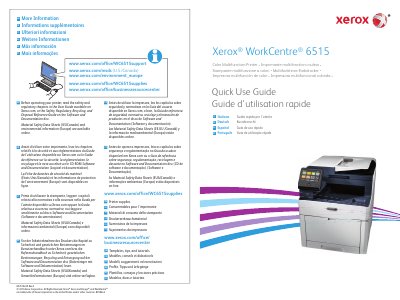
Xerox WorkCentre 6515 Color Multifunction Printer Quick Use Guide
The guide covers printer basics, a printer tour, the control panel, and the embedded web server. It also lists supported paper and basic printing, copying, scanning, and faxing tasks.
It includes Scan To app use, scanning to email, a USB flash drive, or a default folder, plus troubleshooting and paper jam sections. Xerox support and supplies web addresses are listed, along with notes to read safety and regulatory information before operating the printer.
Xerox WorkCentre 6515 specifications
| Document Feeder | Single-Pass Duplex Automatic Document Feeder (DADF) |
|---|---|
| Mobile Connectivity | NFC area allows pairing with a mobile device to print or scan from an app |
| Status Indicator | Status LED indicates printer status |
Source: Xerox WorkCentre 6515 Color Multifunction Printer Quick Use Guide
All Xerox WorkCentre 6515 documents by type
The shortest path to a working setup, usually only a few pages.
Day-to-day operation, settings and troubleshooting. Start here if the product is already set up.
Questions answered in these manuals
What should I read before operating the printer?
Read the safety and regulatory chapters in the User Guide on Xerox.com, or the Safety, Regulatory, Recycling, and Disposal Reference Guide on the Software and Documentation disc.
From: Xerox WorkCentre 6515 Color Multifunction Printer Quick Use Guide
What does the NFC area on the control panel do?
It allows pairing with a mobile device to print or scan from an app.
From: Xerox WorkCentre 6515 Color Multifunction Printer Quick Use Guide