
Key facts
Start here
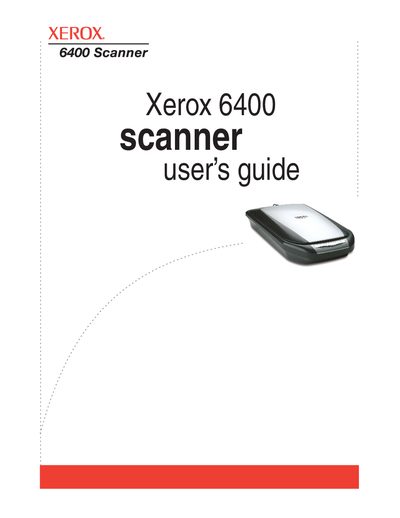
Xerox 6400 Scanner User's Guide
The Xerox 6400 Scanner is a device designed to scan paper documents, color photos, 35mm slides, and negatives to place electronic images on a computer. The guide explains how to install the software and connect the scanner via USB 1.1 or 2.0 ports. It details the use of the One Touch Button panel for direct scanning and configuring settings for various document types.
Read onlineXerox 6400 specifications
| Print speed (Color) | 32 ppm |
|---|---|
| Print speed (Black-and-white) | 37 ppm |
| Print resolution | 2400 x 600 dpi |
| Copy resolution | 600 x 600 dpi |
| Scan resolution | 600 x 600 dpi |
| Processor | 800 MHz |
| Memory | 1 GB |
| Hard drive | 80 GB |
| Duty cycle | 120,000 pages/month |
Source: Xerox WorkCentre 6400 Color Multifunction Printer Evaluator Guide
All Xerox 6400 documents by type
Day-to-day operation, settings and troubleshooting. Start here if the product is already set up.
Questions answered in these manuals
What is the print speed of the WorkCentre 6400?
The printer offers print speeds of up to 32 ppm in color and 37 ppm in black-and-white.
From: Xerox WorkCentre 6400 Color Multifunction Printer Evaluator Guide
Does the WorkCentre 6400 support automatic two-sided printing?
Yes, it features standard automatic two-sided output for both printing and copying.
From: Xerox WorkCentre 6400 Color Multifunction Printer Evaluator Guide
What types of items can the Xerox 6400 Scanner scan?
The scanner is designed to quickly scan paper documents, color photos, 35mm slides, and negatives to place their electronic images on your computer.
What must be done to the locking tab before scanning?
The locking tab must be unlocked before scanning because the scanner will not scan when locked.