
This document describes the features and characteristics of the products registered under the trademark of Shenzhen Jixiang Tengda Technology Co., Ltd.
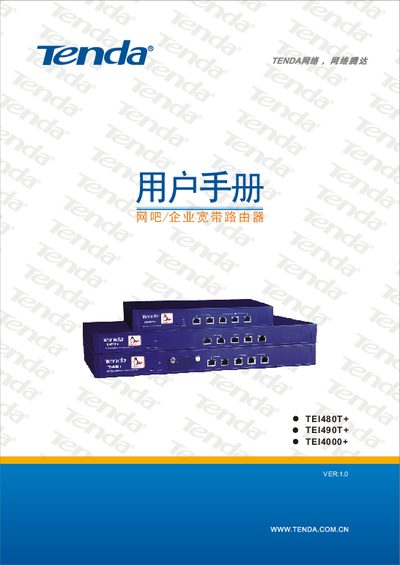
This manual introduces the Tenda TEI480T+, TEI490T+ and TEI4000+ dual‑WAN routers designed for internet cafés, enterprises, schools and other network environments. It describes the hardware features, supported standards and the built‑in security functions.
The guide covers hardware installation, LAN/WAN connections, ISP configuration, advanced settings such as VLAN, QoS, firewall, and remote management. Appendices provide online technical support information, TCP/IP configuration examples for Windows XP, and a list of common Windows command‑line tools. This manual is written in Chinese.
| Forwarding rate | 200 Mbps |
|---|---|
| Maximum concurrent connections | 60,000+ |
| Processor | Intel IXP, 533 MHz |
| WAN ports | 2 × 10/100 Mbps auto‑negotiating |
| LAN ports | 3 × 10/100 Mbps auto‑negotiating |
| Default management IP | 192.168.0.1 |
Press and hold the Reset button for about 5 seconds until the system status LED flashes; the router will restore factory defaults and restart.
Both the default username and password are “admin”.
The router provides three 10/100 Mbps LAN ports.
Enter 192.168.0.1 in a web browser to reach the router’s configuration page.