
This document is an instruction manual for installing the device driver software for the IC card reader/writer RW-5100 in a Windows environment. It describes the installation method and precautions for the driver software.
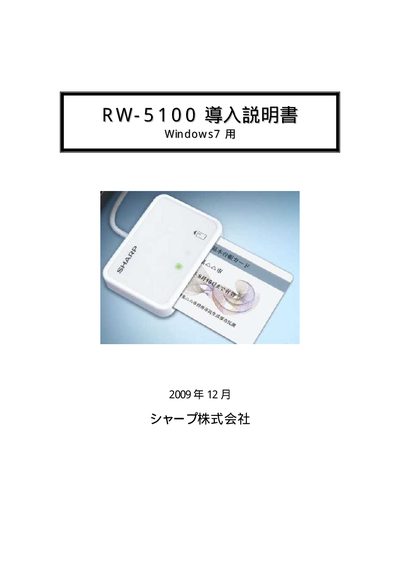
The guide provides step‑by‑step instructions for installing the Sharp RW‑5100 IC card reader driver on a Windows 7 computer. It covers both automatic installation via Windows Update and manual installation using the Sharp driver installer.
The document lists the required operating environment, such as a USB‑enabled PC, administrator rights, and a contact‑type IC card, and explains how to remove the driver when needed. This manual is written in Japanese.
| Supported card type | Contact‑type IC cards |
|---|---|
| Supported OS | Windows 7 (PC/SC driver) |
If the PC is connected to the Internet, you can install the driver automatically via Windows Update; otherwise download the driver installer from Sharp’s website and run it.
The RW‑5100 works only with contact‑type IC cards that have metal terminals.
A Windows 7 PC with a USB port, administrator rights, and a contact‑type IC card is required.