
Key facts
- Brand
- Sharp
- Model
- LC-65G5H
- Category
- Television
- Industry
- Appliances
- Documents
- 2
- Languages
- ZH
- Last added
- 2011-11-12
Start here
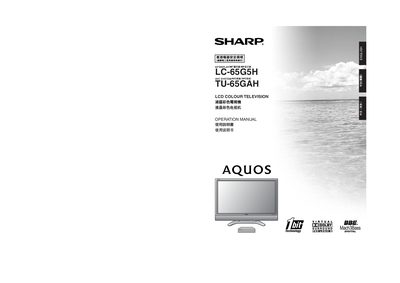
Sharp LC-65G5H/TU-65GAH LCD Colour Television Operation Manual
The manual explains important safety precautions for installing and using the Sharp LC-65G5H/TU-65GAH LCD colour television, including handling of the screen, power connections, and placement to avoid fire or injury. It also lists the random accessories supplied with the set.
Detailed instructions cover connecting external devices (DVD players, game consoles, VCRs), configuring the remote control, adjusting picture and audio settings such as Dolby Virtual, setting up child‑safety lock passwords, and performing factory resets or troubleshooting common issues. This manual is written in Chinese.
All Sharp LC-65G5H documents by type
Day-to-day operation, settings and troubleshooting. Start here if the product is already set up.
Questions answered in these manuals
How do I reset the TV to its factory settings?
Turn the display off with the POWER button, hold the RESET button on the AVC system, then press POWER again to turn the display on; all settings (except channels) will be restored to factory defaults.
What cleaning safety steps should I follow?
Unplug the power cord before cleaning, wipe the unit with a dry cloth, and never use liquid or spray cleaners.