
Key facts
- Brand
- Roland
- Model
- E-60
- Category
- Musical instruments
- Industry
- Electronics
- Documents
- 6
- Languages
- EN
- Last added
- 2012-08-10
Start here
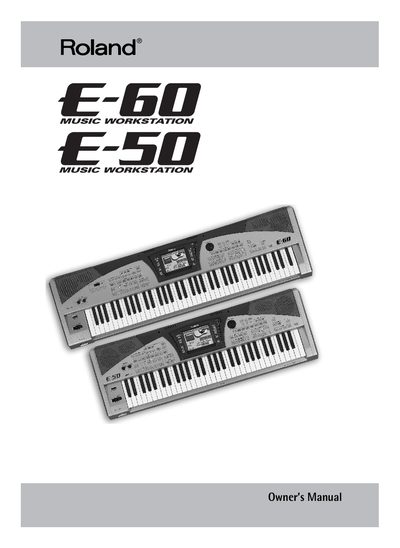
Roland E-60/E-50 Music Workstation Owner's Manual
This manual provides instructions for the Roland E-60 and E-50 Music Workstations, described as Roland's most comprehensive arranger instruments ever. The devices feature advanced sound generation technology based on the Fantom-X series, a touch-sensitive screen, and a user-friendly interface designed to simplify access to functions.
Read onlineRoland E-60 specifications
| Polyphony | 64-voice |
|---|---|
| Number of Tones | 499 |
| Keyboard Type | Intelligent Keyboard |
| Display Type | Touch Screen |
All Roland E-60 documents by type
Day-to-day operation, settings and troubleshooting. Start here if the product is already set up.
Questions answered in these manuals
What is the maximum polyphony of the E-600?
The E-600 features 64-voice polyphony.
How many instrument sounds are included?
The instrument comes with 499 sounds called Tones.
What should I select for the input jack?
Select HIGH for normal use, or LOW when connecting to a big output bass guitar.
What is the function of the Bi-Amp jack?
Connecting another amp to this jack increases bass, while the main amp puts out emphasized treble.
What is COSM?
COSM is Roland's innovative and powerful sound modeling technology that analyzes the original sound to produce a digital model.
Can the channel be switched?
Yes, the channel can be switched between 'JC CLEAN' and 'LEAD' via a foot switch.