
Key facts
- Brand
- Roland
- Model
- E-16
- Category
- Other Electronics
- Industry
- Electronics
- Documents
- 2
- Languages
- EN
- Last added
- 2012-08-10
Start here
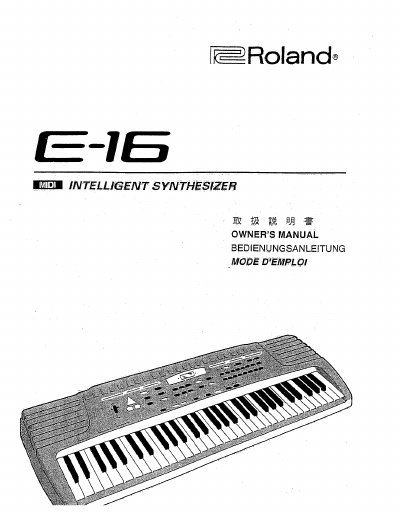
Roland E-16 Electronic Keyboard Owner's Manual
This document is the Owner's Manual for the Roland E-16 electronic keyboard. It covers how to identify the instrument, safety rules, and general notes on delivery. The guide details the panel description, connections, and specifications of the device.
The manual provides step-by-step instructions on how to start playing, select and play one of the 223 available tones, and adjust keyboard split points. It also explains how to use the 8 drum set sounds, select accompaniment styles, set tempo, and utilize the arranger and chord memory functions.
Roland E-16 specifications
| Sound Source Technology | Advanced SA Process |
|---|---|
| Number of Sounds | Six Different Sounds |
| Digital Effects | Chorus and Reverb |
| Touch Levels | Three Touch levels |
All Roland E-16 documents by type
Day-to-day operation, settings and troubleshooting. Start here if the product is already set up.
Questions answered in these manuals
Does the piano require tuning?
No, because the instrument's sound sources are digital, the piano will never need tuning to retain its sound quality.
Can multiple sounds be played together?
Yes, any two Voices can be combined (layered) and played together.
How many different tones can be selected on the Roland E-16?
The instrument allows you to select and play one of 223 tones.
How many drum set sounds are available for selection?
You can select and play one of 8 drum set sounds.