
Key facts
- Brand
- Roland
- Model
- PSR-4600
- Category
- Other Electronics
- Industry
- Electronics
- Documents
- 2
- Languages
- EN
- Last added
- 2012-07-02
Start here
Roland PSR-4600 Workstation Accompaniment Section Guide
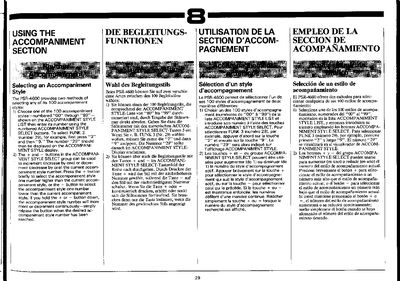
This document provides instructions for using the accompaniment section of the Roland PSR-4600. It details two methods for selecting one of the 100 available accompaniment styles: by entering a specific number or by incrementing/decrementing the current style using the + and - buttons.
The guide also covers how to adjust the volume of the selected accompaniment rhythm relative to other voices, such as Orchestra and Solo parts, using the RHYTHM VOLUME control. It further explains how to toggle between standard rhythm patterns and their variations using the VARIATION button.
All Roland PSR-4600 documents by type
Day-to-day operation, settings and troubleshooting. Start here if the product is already set up.
Questions answered in these manuals
What data can be saved on an external RAM pack?
You can save Registration Memory, Digital Synthesizer voice data, Custom accompaniment, Custom percussion, and Music Programmer data.
From: Yamaha PSR-4600 Registration Memory and RAM Pack Operations Guide
Which RAM pack types are compatible with the PSR-4600?
The device accepts optional Yamaha RP-3 or RP-5 RAM packs.
From: Yamaha PSR-4600 Registration Memory and RAM Pack Operations Guide
How many accompaniment styles are available on the PSR-4600?
The PSR-4600 provides 100 accompaniment styles, numbered 00 through 99.
From: Roland PSR-4600 Workstation Accompaniment Section Guide
How do I select a specific accompaniment style number?
Press the numbered ACCOMPANIMENT STYLE SELECT buttons corresponding to the desired number, such as pressing '2' then '9' for style 29.
From: Roland PSR-4600 Workstation Accompaniment Section Guide