
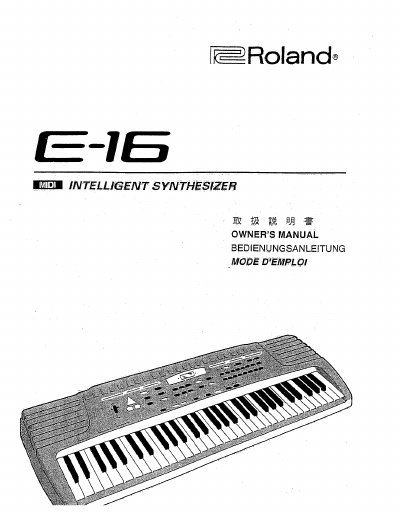
Roland E-16 Electronic Keyboard Owner's Manual


Roland E-16 Electronic Keyboard Owner's Manual - cover page
Brand
Roland
Category
Other Electronics
Document type
User Manual
Language
English
Pages
126
File format
PDF
File size
5.2 MB
Published
10 August, 2012
Updated
31 August, 2012
Model
E-16
MD5 checksum
D3A35120BCD914E7EB081D32381C471D

About this manual

This document is the Owner's Manual for the Roland E-16 electronic keyboard. It covers how to identify the instrument, safety rules, and general notes on delivery. The guide details the panel description, connections, and specifications of the device.

The manual provides step-by-step instructions on how to start playing, select and play one of the 223 available tones, and adjust keyboard split points. It also explains how to use the 8 drum set sounds, select accompaniment styles, set tempo, and utilize the arranger and chord memory functions.

What's inside

  • How to Identify the Instrument
  • Safety Rules and General Notes
  • Specifications
  • Connections
  • Panel Description
  • Playing Demo Songs
  • How to Start Playing
  • Tone Changes
  • Keyboard Split
  • Accompaniment Style

Frequently asked questions

How many different tones can be selected on the Roland E-16?

The instrument allows you to select and play one of 223 tones.

How many drum set sounds are available for selection?

You can select and play one of 8 drum set sounds.

How many accompaniment styles can be selected and played?

The manual describes how to select and play an accompaniment style.

Download PDF (5.2 MB)

More Roland Manuals


View all Roland manuals →