
Key facts
Start here
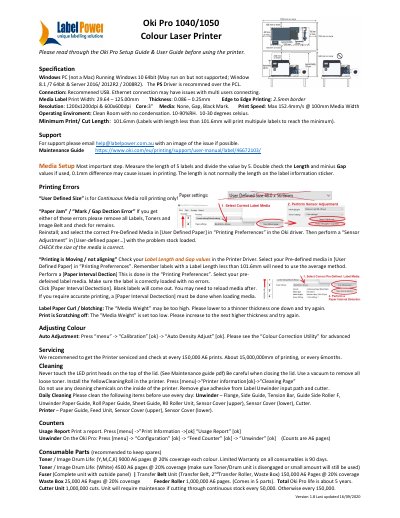
Oki Pro 1040/1050 Colour Laser Printer User Manual
This manual provides setup and operating instructions for the Oki Pro 1040/1050 colour laser printer, including media setup, troubleshooting, and maintenance. It details printer specifications, supported operating systems, and connection options. Maintenance tasks such as cleaning, sensor adjustment, and consumable replacement are covered with recommended intervals.
Read onlineOKI Pro1040 specifications
| Print Speed | Max 152.4mm/s @ 100mm Media Width |
|---|---|
| Resolution | 1200x1200dpi & 600x600dpi |
| Operating Environment | 10-90%RH, 10-30 degrees celsius |
| Media Thickness | 0.086 – 0.25mm |
| Minimum Print/Cut Length | 101.6mm |
All OKI Pro1040 documents by type
Disassembly, diagnostics and part numbers, for repair.
Day-to-day operation, settings and troubleshooting. Start here if the product is already set up.
Questions answered in these manuals
What does the Maintenance Guide describe?
It describes how to replace consumables and how to clean and maintain the product.
Where can I download the latest versions of the manuals?
The latest versions can be downloaded at the Oki Data website.
What operating systems are supported?
Windows 10 64bit (May run on but not supported; Windows 8.1 /7 64bit & Server 2016/ 2012R2 / 2008R2).
What is the recommended connection method?
Recommended USB. Ethernet connection may have issues with multi users connecting.