
Key facts
Start here
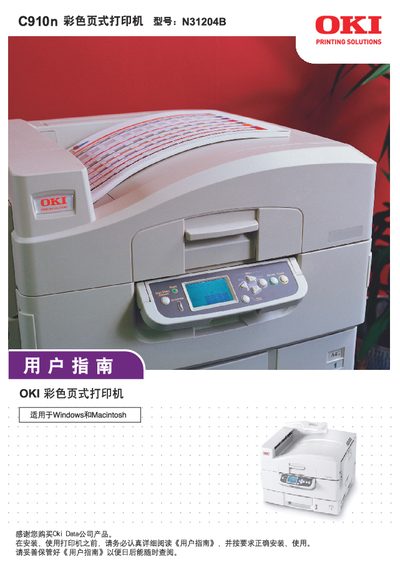
OKI C910n color Page Printer N31204B user manual
This user guide covers everything needed to set up and use the OKI C910n color page printer, including unpacking, connecting power and interfaces, loading paper, and configuring print settings. It also explains the printer’s safety warnings, consumable handling, and routine maintenance procedures.
The manual contains detailed technical specifications, network configuration steps, memory upgrade instructions, and troubleshooting tips. Appendices provide LCD information, menu system details, and service support contacts for the Chinese market. This manual is written in Chinese.
Oki C910 specifications
| Printing Technology | ProQ2400 multi-level technology |
|---|---|
| Standard Compliance | DICOM 3.0 |
| Print Modes | Grayscale and Color |
Source: Oki C610/C711/C831/C910 DICOM Embedded Printer User's Guide
All Oki C910 documents by type
Day-to-day operation, settings and troubleshooting. Start here if the product is already set up.
Questions answered in these manuals
What is the purpose of this manual?
This manual describes how to print from OKI DICOM Embedded Printer supporting DICOM Protocol.
From: Oki C610/C711/C831/C910 DICOM Embedded Printer User's Guide
Can the printed images be used for medical diagnosis?
No, this is not medical equipment and the printed images should not be used for medical diagnosis.
From: Oki C610/C711/C831/C910 DICOM Embedded Printer User's Guide
What power supply does the OKI C910n require?
It requires AC 220 V ± 10 %, 50/60 Hz three‑phase power.
Which operating systems are supported?
The printer supports Windows 2000/Server 2003/XP/Vista/Server 2008, Mac OS X or later, and UNIX/Linux.