
Key facts
Start here
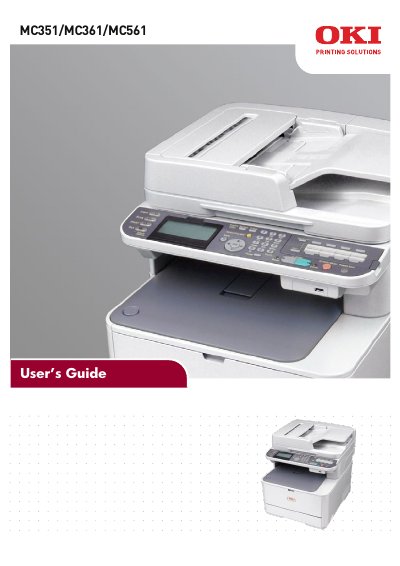
OKI MC351/MC361/MC561 Multifunction Printer User's Guide
This manual serves as a comprehensive guide for the OKI MC351, MC361, and MC561 multifunction printers. It provides detailed instructions on operating the device for printing, copying, scanning, and faxing, as well as managing profiles and address books. The guide also covers essential maintenance tasks such as replacing toner cartridges, image drums, and fusers, along with cleaning procedures.
Read onlineAll Oki MC361 documents by type
Day-to-day operation, settings and troubleshooting. Start here if the product is already set up.
Questions answered in these manuals
What is the purpose of this guide?
The purpose of this guide is to provide in-depth information on how to configure the network, scan and fax for your machine.
What is the URL to find the most up-to-date drivers and manuals?
The most up-to-date drivers and manuals are available from: http://www.okiprintingsolutions.com
What should I do if I swallow toner powder?
Give small amounts of cold water and seek medical attention, but do not attempt to induce vomiting.
From: OKI MC351/MC361/MC561 Multifunction Printer User's Guide
How long should I flush my eyes if toner gets in them?
Flush with large amounts of water for at least 15 minutes while keeping eyelids open.
From: OKI MC351/MC361/MC561 Multifunction Printer User's Guide