
Key facts
Start here
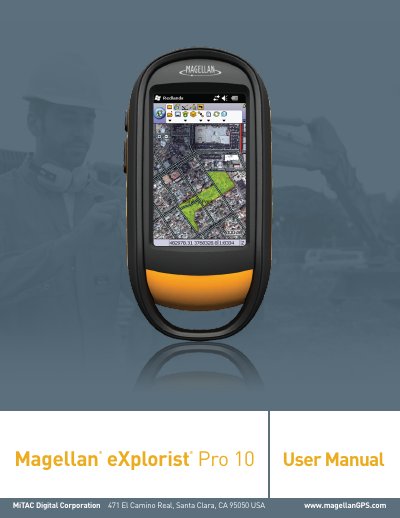
Magellan eXplorist Pro 10 GPS Receiver User Manual
This document is the user manual for the Magellan eXplorist Pro 10 GPS receiver, published by MiTAC Digital Corporation. It provides safety guidelines for using the navigation device, including cautions about driving, reliance on GPS, and accessory use.
The manual also details the limited warranty (one year for hardware, 30 days for software media) and the end-user license agreement for Magellan software, specifying permitted uses, restrictions, and liability limitations.
All Magellan eXplorist Pro 10 documents by type
Day-to-day operation, settings and troubleshooting. Start here if the product is already set up.
Questions answered in these manuals
How do I turn on the receiver?
Press and hold the Power Button for 2 seconds to turn the receiver on.
How do I reset the receiver?
Press and hold the power button down for 5 seconds to reset the receiver.
What is the warranty period for the Magellan eXplorist Pro 10?
The hardware warranty lasts one year from the date of original purchase; software media is warranted for 30 days from shipment.
What actions void the Magellan warranty?
Unauthorized repairs, modifications, misuse, accidents, use of non-Magellan accessories, and damage from liquids or heat void the warranty.