
Key facts
Start here
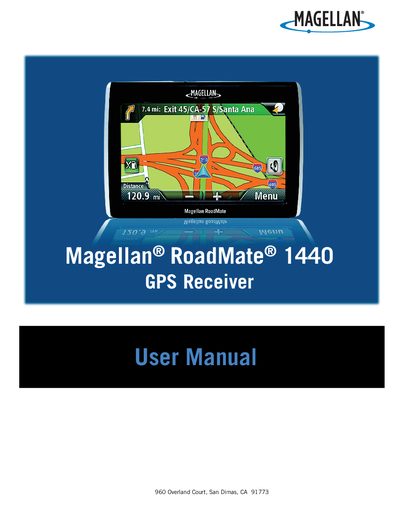
Magellan RoadMate 1470 GPS Receiver User Manual(1)
This user manual explains how to safely install the Magellan RoadMate 1440 GPS receiver, covering mounting guidelines, power connections, and battery handling. It includes important safety warnings such as checking state regulations for windshield mounting and ensuring the device does not obstruct the driver’s view.\n\nThe guide details everyday operation, including powering on, navigating menus, entering addresses, using traffic and coupon features, and adjusting settings like brightness, volume, and language. It also describes battery charging, optional accessories, and troubleshooting tips.
Read onlineMagellan RoadMate 1470 specifications
| Maximum Operating Temperature | 140°F (60°C) |
|---|---|
| Charging Time | approximately 4 hours |
| Estimated Battery Usage | approximately 2 hours |
All Magellan RoadMate 1470 documents by type
Day-to-day operation, settings and troubleshooting. Start here if the product is already set up.
Questions answered in these manuals
Can I mount the receiver on my windshield?
You should check applicable state regulations, as certain states prohibit mounting items on the windshield.
Who should enter data while the vehicle is moving?
Only a vehicle passenger should enter data or program the receiver while the vehicle is moving.
How long does the battery last on a full charge?
The battery provides about 2 hours of usage on a full charge.
What is the maximum operating temperature for the device?
The device can operate up to 140°F (60°C).
How should I mount the RoadMate receiver safely?
Follow the safety warnings: check local regulations for windshield mounting and ensure the unit does not obstruct the driver’s view or interfere with vehicle safety devices.
What temperature limits apply to the receiver and its battery?
The device operates up to 140°F (60°C). The battery stops charging below 32°F (0°C) or above 113°F (45°C).