
Magellan eXplorist Pro 10 Quick Start Guide

Magellan eXplorist Pro 10 User Manual
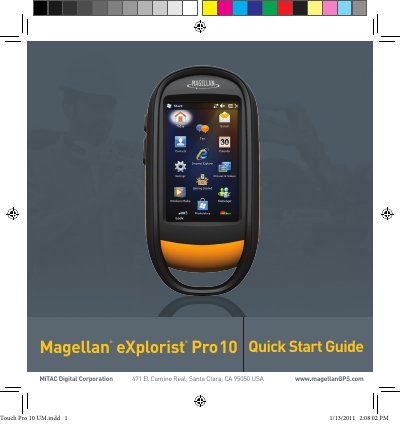

Magellan eXplorist Pro 10 Quick Start Guide - cover page
Brand
Magellan
Category
GPS
Document type
User Manual
Language
English
Pages
11
File format
PDF
File size
2.2 MB
Published
16 October, 2023
Updated
16 October, 2023
MD5 checksum
33DB0B2968F08D438E7B28E8A73BF5C0

About this manual

The Magellan eXplorist Pro 10 is a navigation aid designed to assist users in reaching their selected destinations. It is powered by two AA batteries and features a built-in camera for capturing photographs. The device supports Bluetooth interoperability and can store data on a micro SD card.

What's inside

  • Safety Notice
  • Bluetooth Pairing
  • Power Button Functions
  • Battery Installation
  • USB Connection
  • Micro SD Card Installation
  • Using the Camera

Specifications

Power Sourcetwo AA batteries
Operating Temperature60°C

Frequently asked questions

How do I turn on the receiver?

Press and hold the Power Button for 2 seconds to turn the receiver on.

How do I reset the receiver?

Press and hold the power button down for 5 seconds to reset the receiver.

What type of batteries are required?

The device uses two AA batteries, which can be alkaline, lithium, or rechargeable, provided they are the same type.

Download PDF (2.2 MB)

More Magellan Manuals


View all Magellan manuals →