
Key facts
- Brand
- Magellan
- Model
- RoadMate 2055
- Category
- Vehicle GPS
- Documents
- 2
- Languages
- EN
- Last added
- 2023-10-17
Start here
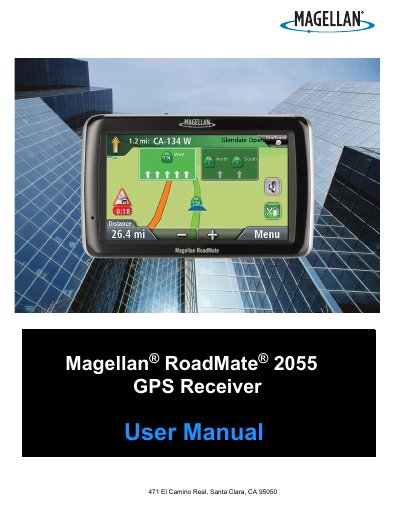
Magellan RoadMate 2055 GPS Receiver User Manual
This manual provides safety guidelines and setup instructions for the Magellan RoadMate 2055 GPS receiver. It covers mounting, charging, and operating the device safely while driving. The guide also explains how to create and manage destinations, use SmartDetour and OneTouch features, and connect via Bluetooth for phone integration.
The manual includes sections on map navigation, route planning, traffic avoidance, and system settings such as language, brightness, and time zone. It also details how to save addresses, manage POIs, and handle calls via Bluetooth.
Magellan RoadMate 2055 specifications
| Maximum operating temperature | 140°F (60°C) |
|---|---|
| Charging time | approximately 4 hours |
| Estimated battery usage | approximately 2 hours |
All Magellan RoadMate 2055 documents by type
Day-to-day operation, settings and troubleshooting. Start here if the product is already set up.
Questions answered in these manuals
What is the maximum operating temperature for the Magellan RoadMate 2055?
The maximum operating temperature is 140°F (60°C).
How long does it take to fully charge the Magellan RoadMate 2055 battery?
It will take approximately 4 hours to obtain a full battery charge.
Can I mount the receiver on my windshield?
You must check your state regulations, as certain states prohibit mounting items on windshields.
Who should enter data while the vehicle is moving?
Only a vehicle passenger should enter data or program the receiver while the vehicle is moving.