
Key facts
Start here
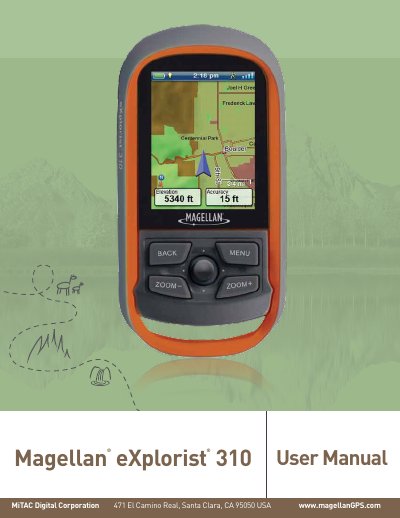
Magellan eXplorist 310 User Manual
This manual provides step-by-step instructions for using the Magellan eXplorist 310 GPS device. It covers installing and replacing batteries, navigating with maps, managing waypoints and geocaches, adjusting settings, and using tools like compass and altitude. Safety guidelines are included, such as not using the device while driving. The guide also explains how to customize map display options and manage data fields.
Read onlineAll Magellan eXplorist 310 documents by type
Day-to-day operation, settings and troubleshooting. Start here if the product is already set up.
Questions answered in these manuals
What is the Magellan eXplorist 310 designed to do?
It is a navigation aid designed to assist you in arriving at your selected destination.
What safety rule must be followed when using the device while driving?
Do not use this navigation device while driving a vehicle.
How do I install batteries in the Magellan eXplorist 310?
Remove the battery door by raising the arm and turning it counter-clockwise. Install two AA batteries, then replace the door and lock it in place.
What types of batteries can I use?
Lithium, alkaline, or rechargeable batteries can be used, but both batteries must be of the same type.
What is the Magellan eXplorist 310 designed to do?
It is a navigation aid designed to assist you in arriving at your selected destination.
What should you not do while driving with the Magellan eXplorist?
Do not use the device while driving a vehicle, and do not change any settings while driving.