
Key facts
- Brand
- Magellan
- Model
- Maestro 4350
- Documents
- 2
- Languages
- EN
- Last added
- 2023-10-17
Start here
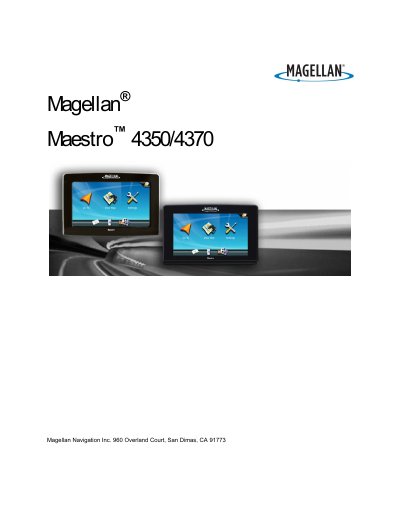
Magellan Maestro 4350/4370 Navigation Device User Manual
This document provides safety guidelines and step-by-step instructions for installing and operating the Magellan Maestro 4350/4370 navigation device. It covers mounting options, power connections, map navigation, route planning, and safety precautions to ensure safe use while driving. The manual also includes information on battery care, charging, and compliance with FCC and IC regulations.
The device features voice-guided navigation, 2D/3D map views, traffic information, and a OneTouch™ menu for quick access to frequently used destinations or POIs. Users are advised to follow safety rules, such as not using the device while driving and ensuring it does not obstruct the driver’s view or interfere with vehicle safety systems.
All Magellan Maestro 4350 documents by type
Day-to-day operation, settings and troubleshooting. Start here if the product is already set up.
Questions answered in these manuals
What is the Magellan Maestro 4350/4370 designed to do?
It is a vehicle-navigation aide designed to assist you in arriving at your selected destinations.
From: Magellan Maestro 4350/4370 Navigation Device User Manual
How long does it take to fully charge the Magellan Maestro?
It will take approximately 6 hours of charging to obtain a full battery charge.
From: Magellan Maestro 4350/4370 Navigation Device User Manual
What is the maximum operating temperature for the Maestro?
The device can operate up to 140°F (60°C).
Can I replace the battery myself?
No, the battery should not be removed or replaced by the user; contact Magellan Technical Support for battery issues.