
Key facts
- Brand
- M-Audio
- Model
- Keystation Pro 88
- Category
- Other Electronics
- Industry
- Computers
- Documents
- 2
- Languages
- EN
- Last added
- 2026-11-02
Start here
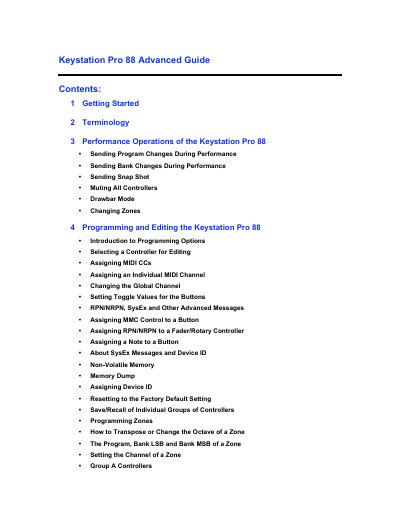
M-Audio Keystation Pro 88 Advanced Guide
This manual serves as an advanced guide for the M-Audio Keystation Pro 88, building upon the basic functions explained in the accompanying Getting Started Guide. It details performance operations such as sending Program Changes, Bank Changes, and Snap Shots, as well as specific modes like Drawbar for organ synths and Zone management for splitting the keyboard.
Read onlineM-Audio Keystation Pro 88 specifications
| Keyboard | 88-note hammer-action keyboard |
|---|---|
| Velocity Sensitivity | Velocity-sensitive |
| Power Source | USB bus powered |
| External Power Specs | 9V DC output, 250-300mA |
| Programmable Rotary Dials | 24 |
| Programmable Faders | 9 full-size |
| Programmable Buttons | 22 |
| MIDI Channels | 16 different MIDI channels |
All M-Audio Keystation Pro 88 documents by type
Day-to-day operation, settings and troubleshooting. Start here if the product is already set up.
Questions answered in these manuals
Does the Keystation Pro 88 require a driver for Windows XP or Mac OS X?
No, it offers true plug-and-play functionality and does not require a driver on these operating systems.
What are the specifications for the external power supply?
The external power supply must provide a 9V DC output with a current of 250-300mA and have a center positive polarity.
What is the total number of real-time controllers available on the Keystation Pro 88?
The device features a total of 60 real-time controllers.
How long does the Edit Mode period last after pressing a function button?
Edit Mode lasts for three seconds after a function button is pressed.