
Key facts
- Brand
- LG
- Model
- KU990
- Industry
- Electronics
- Documents
- 3
- Languages
- ZH · EN
- Last added
- 2012-05-03
Start here
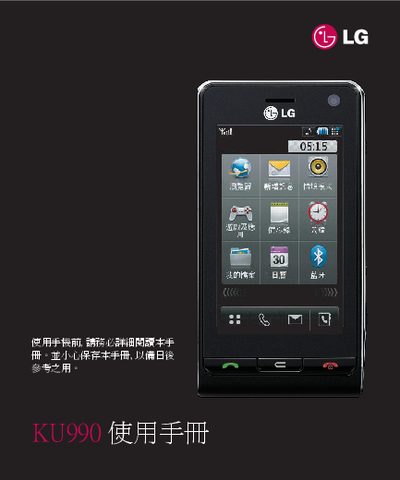
LG KU990 User Manual
This manual guides users through initial setup of the LG KU990, including inserting the SIM card, charging the battery, and configuring basic phone settings. It also explains core functions such as making calls, sending messages, and using the built‑in camera and video features.
Advanced sections cover network connectivity, Bluetooth pairing, PC synchronization with LG PC Suite, and detailed safety information for battery handling and device usage. The guide includes troubleshooting tips and recommended accessories. This manual is written in Chinese.
LG KU990 specifications
| Battery | LG rechargeable battery |
|---|---|
| Screen | LCD touch screen |
| Camera | Inner camera lens |
Source: LG KU990 Phone User Guide
All LG KU990 documents by type
Day-to-day operation, settings and troubleshooting. Start here if the product is already set up.
Questions answered in these manuals
How can I connect the phone to a computer?
Install LG PC Suite on the computer and connect the phone via USB to synchronize data and manage the device.
From: LG KU990 User Manual