
Key facts
- Brand
- LG
- Model
- KM900E
- Documents
- 2
- Languages
- ZH
- Last added
- 2000-01-01
Start here
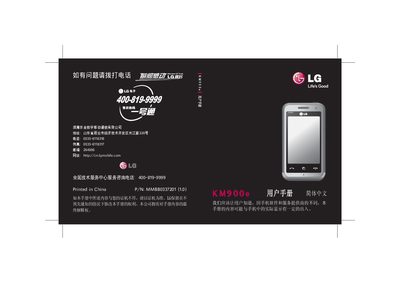
LG KM900e Phone User Manual
This manual guides you through setting up your LG KM900e, covering the initial configuration, basic phone functions such as calls, contacts, and messaging, as well as the internal structure of the device. It also explains how to use the phone’s multimedia features, email, web browsing, and various applications.
Advanced sections describe video recording, photo editing, Bluetooth and Wi‑Fi settings, using the phone as a modem or mass‑storage device, and safety recommendations for proper use and battery handling. This manual is written in Chinese.
All LG KM900E documents by type
Day-to-day operation, settings and troubleshooting. Start here if the product is already set up.
Questions answered in these manuals
How do I change the Bluetooth settings on the LG KM900e?
Open Settings, select Bluetooth, and modify the Bluetooth settings as needed.
How can I back up my phone data to a PC?
Use the PC suite to back up and restore your phone information.
How do I set up email on the LG KM900e?
Open Settings, select Email, and configure your new account to send and receive messages.
From: LG KM900e User Manual
Can the phone be used as a modem?
Yes, you can set the phone to act as a modem under the network settings.
From: LG KM900e User Manual