
This manual introduces the basic functions and usage methods of LG KU990 phone.
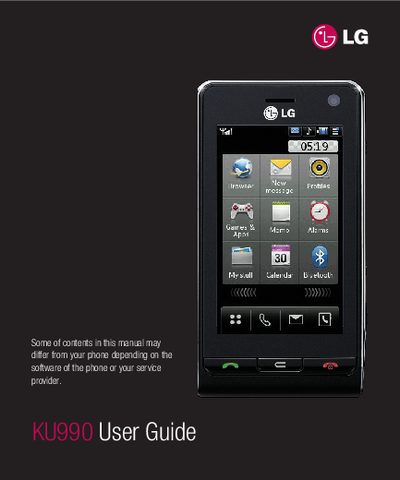
This user guide covers the LG KU990 phone by LG, a compact device designed for digital mobile communication. It explains how to set up the phone, install the USIM and battery, and use the touchscreen and keys.
The guide also describes making calls, managing contacts, sending messages, taking photos and videos, playing music, using the organiser, connecting to a PC, browsing the web, and changing phone settings.
| Product name | KU990 |
|---|---|
| Network system | GSM 900, DCS 1800, PCS1900 and W-CDMA |
| Max ambient temperature | +55°C (discharging), +45°C (charging) |
| Min ambient temperature | -10°C |
| SAR value (ear, 10g) | 0.826 W/kg |
It is approved for use on GSM 900, DCS 1800, PCS 1900 and W-CDMA networks.
Press and hold down the battery release button at the top of the phone and lift off the battery cover.
The maximum ambient temperature is +55°C when discharging.
Yes, use only specified original batteries and chargers for your safety.