
Key facts
- Brand
- JBL
- Model
- Clip 3
- Category
- Home Speakers
- Documents
- 2
- Languages
- EN
- Last added
- 2023-11-29
Start here
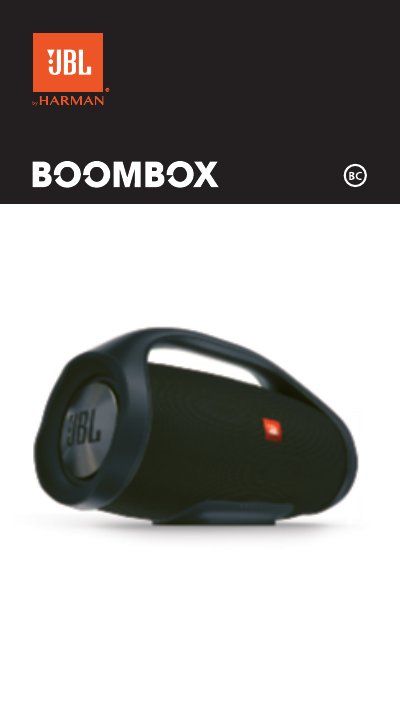
JBL Clip 3 Portable Bluetooth Speaker Quick Start Guide
This JBL Clip 3 quick start guide describes the box contents, speaker buttons, connections, Bluetooth connection, music control, speakerphone, voice assistant setup, and JBL Connect+ speaker linking.
It explains how to press the speaker button to activate Siri or Google Now and how to wirelessly link more than 100 JBL Connect+ compatible speakers.
JBL Clip 3 specifications
| Bluetooth version | 4.1 |
|---|---|
| Bluetooth support profiles | A2DP V1.2, AVRCP V1.5, HFP V1.5, HSP V1.2 |
| Transducer | 1 x 40mm |
| Output power | 3.3 WRMS |
| Frequency response | 120Hz – 20kHz (-6dB) |
| Signal-to-noise ratio | >80dB |
| Battery type | Lithium-ion polymer (3.7V/1000mAh) |
| Battery charge time | 3 hour @ 5V, 0.6A |
| Music playing time | up to 10 hours (varies by volume level and audio content) |
| Dimensions (H x W x D) | 137 x 97 x 46 (mm) \ 5.4″ x 3.8″ x 1.8″ |
| Weight | 220g \ 0.49 lbs |
| Waterproof rating | IPX7 waterproof |
All JBL Clip 3 documents by type
The shortest path to a working setup, usually only a few pages.
Day-to-day operation, settings and troubleshooting. Start here if the product is already set up.
Questions answered in these manuals
How do I activate Siri or Google Now on the speaker?
Press the button on the speaker and make sure Siri or Google Now is enabled on your phone.
From: JBL Clip 3 Portable Bluetooth Speaker Quick Start Guide
How many JBL Connect+ speakers can be linked wirelessly?
More than 100 JBL Connect+ compatible speakers can be linked wirelessly.
From: JBL Clip 3 Portable Bluetooth Speaker Quick Start Guide
What Bluetooth version does the JBL Clip 3 use?
It uses Bluetooth version 4.1.
How long does the JBL Clip 3 battery take to charge?
The battery charge time is 3 hours at 5V, 0.6A.