
Key facts
- Brand
- JBL
- Model
- PARTYBOX 1000
- Documents
- 3
- Languages
- SV · NO · EN
- Last added
- 2026-11-14
Start here
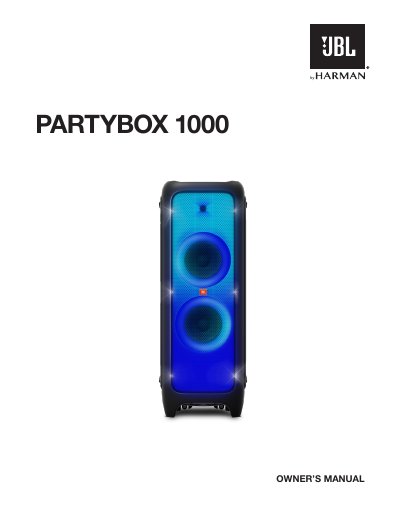
JBL PARTYBOX 1000 Wireless Party Speaker User Manual
This manual provides safety guidelines and setup instructions for the JBL PARTYBOX 1000 wireless speaker. It covers proper installation, power connections, battery use, and RF interference precautions. Safety warnings include avoiding heat sources, not blocking ventilation, and using only manufacturer-approved accessories. It also includes compliance notes for FCC, IC, and EU regulations, including WEEE and RoHS directives, and hearing safety advice for headphone use.
Read onlineJBL PARTYBOX 1000 specifications
| Voltage | 100-240 volt, ~50/60 Hz |
|---|---|
| Bluetooth Range | 10m (33ft) |
| Max Stored Devices | 8 |
| Bluetooth PIN Code | 0000 |
Source: JBL PartyBox 1000 User Manual
All JBL PARTYBOX 1000 documents by type
Day-to-day operation, settings and troubleshooting. Start here if the product is already set up.
Questions answered in these manuals
What is the Bluetooth PIN code for the PartyBox 1000?
If a PIN code is requested when connecting a Bluetooth device, enter "0000".
Can I use extension cords with this speaker?
No, to avoid safety risks, you should only use the power cord included with your unit.
How do I connect my PartyBox 1000 to Bluetooth?
Press the Bluetooth button, then select 'JBL PartyBox 1000' from your device's Bluetooth menu to pair.
How do I use the DJ pad to record music?
Press the record button to start recording, press it again to play, and press to stop after 30 seconds.
What safety precautions should I take when using the PARTYBOX 1000?
Do not block ventilation openings, avoid heat sources, use only manufacturer-approved accessories, and unplug during lightning storms or long periods of inactivity.
Can I use this speaker outdoors?
In France, operation is limited to indoor use within the 5150-5350 MHz band.