
Key facts
- Brand
- JBL
- Model
- Bar 5.1
- Category
- home theatre
- Industry
- Electronics
- Documents
- 3
- Languages
- PT · EN
- Last added
- 2026-11-12
Start here
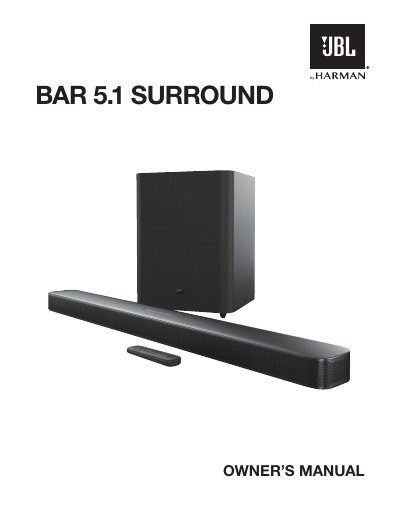
JBL Bar 5.1 Surround Owner's Manual
The JBL Bar 5.1 Surround is a home entertainment audio system consisting of a soundbar and a subwoofer designed to deliver an extraordinary sound experience. The document serves as the official owner's manual, guiding users through safety precautions, unpacking, and initial setup procedures.
Key sections cover product placement on desktops or walls, various connection methods including HDMI ARC, optical, Bluetooth, Wi-Fi (QPlay/AirPlay), and Ethernet. It also details how to operate the soundbar and remote control, adjust sound settings, perform automatic calibration using the microphone, update software, and troubleshoot common issues.
All JBL Bar 5.1 documents by type
Day-to-day operation, settings and troubleshooting. Start here if the product is already set up.
Questions answered in these manuals
How do I manually pair the subwoofer with the soundbar?
Press the CONNECT button on the subwoofer, then press DIM DISPLAY on the remote for five seconds followed by BASS+ and BASS-. The screen shows PAIRING, then DONE when pairing succeeds.
How long does the wireless surround speaker battery last?
The wireless surround speakers have 10 hours of battery life.
What is the recommended distance between the subwoofer and the soundbar?
The subwoofer should be placed at least 3 ft (1 m) away from the soundbar.
Can I use an extension cord with this product?
No, you should not use extension cords as they may create safety hazards.
What is the length of the power cable included in the box?
The included power cable is 4 feet (1200mm) long.
How long does it take to fully charge a wireless surround speaker?
Each wireless surround speaker reaches a full charge in less than 3 hours.