
Key facts
- Brand
- JBL
- Model
- Cinema SB160
- Category
- Audio Power Amplifier
- Industry
- Electronics
- Documents
- 2
- Languages
- FR · EN
- Last added
- 2026-11-14
Start here
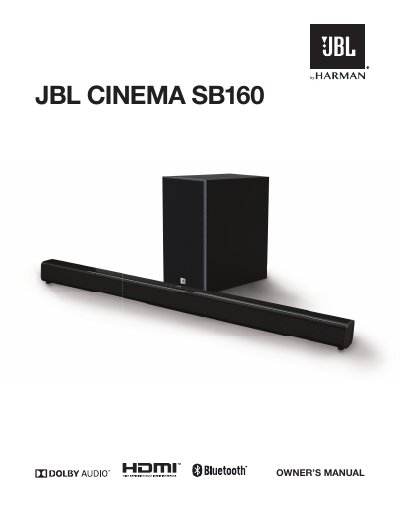
JBL Cinema SB160 Soundbar User Manual
The JBL Cinema SB160 is a home entertainment soundbar designed to deliver an extraordinary audio experience. The document guides users through unboxing, connecting the unit via HDMI ARC or Optical cable, and pairing it with the wireless subwoofer.
Once connected, the manual details how to operate the system using the remote control or on-unit buttons, including switching between Bluetooth, Optical, and HDMI ARC modes. It also covers sound settings for different content types (Music, Movie, News) and provides troubleshooting tips.
JBL Cinema SB160 specifications
| Total System Power Output | 220 W |
|---|---|
| Soundbar Power Output | 2 x 52 W |
| Subwoofer Power Output | 116 W |
| Bluetooth Version | 4.2 |
| HDMI Version | 1.4 |
| Frequency Response | 40 Hz – 20 KHz |
| Soundbar Dimensions | 900 x 67 x 63 mm |
| Subwoofer Dimensions | 170 x 345 x 313 mm |
Source: JBL Cinema SB160 2.1 Channel Wireless Soundbar System Product Leaflet
All JBL Cinema SB160 documents by type
Day-to-day operation, settings and troubleshooting. Start here if the product is already set up.
Questions answered in these manuals
What is the total power output of the JBL Cinema SB160?
The total system power output is 220 W.
From: JBL Cinema SB160 2.1 Channel Wireless Soundbar System Product Leaflet
Does the system support wireless music streaming?
Yes, it supports wireless music streaming via Bluetooth.
From: JBL Cinema SB160 2.1 Channel Wireless Soundbar System Product Leaflet
How do I connect the soundbar to my TV?
You can connect using an HDMI cable to the HDMI ARC socket or an optical cable to the OPTICAL socket.
How do I pair the wireless subwoofer?
Plug both units into mains sockets and press the power button; they will automatically pair.