
Key facts
- Brand
- JBL
- Model
- CD350 Classic
- Category
- Other Electronics
- Industry
- Appliances
- Documents
- 2
- Languages
- EN
- Last added
- 2026-11-13
Start here
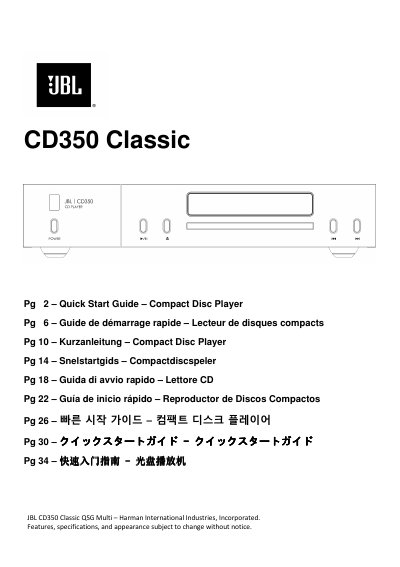
JBL CD350 Classic Compact Disc Player Quick Start Guide
This document serves as a Quick Start Guide for the JBL CD350 Classic Compact Disc Player. It provides instructions on placing the unit, connecting it via analog or digital outputs, and operating the device using the front panel or remote control. The guide details supported disc formats, including CD-TEXT, and USB storage playback capabilities.
Read onlineJBL CD350 Classic specifications
| DAC | PCM1796 |
|---|---|
| Frequency response | 20Hz - 20kHz ± 0.05dB |
| Nominal output level | 2.0 ± 0.3V |
| Total harmonic distortion + Noise | 0.007% |
| Signal/Noise ratio (A -wtd) | 105dB |
| Mains voltage | 100–240V, 50 –60Hz |
| Maximum power consumption | 12 W |
| Dimensions | 448 W x 89 H x 290 D mm |
| Weight (net) | 5.8 kg |
Source: JBL CD350 Classic Compact Disc Player Quick Start Guide
All JBL CD350 Classic documents by type
The shortest path to a working setup, usually only a few pages.
Day-to-day operation, settings and troubleshooting. Start here if the product is already set up.
Questions answered in these manuals
What disc formats are supported?
The player supports Compact Discs (audio CDs), Write once, recordable Compact Discs (CD-R), Re-writable, recordable Compact Discs (CD-RW), and CD-TEXT discs.
From: JBL CD350 Classic Compact Disc Player Quick Start Guide
How do I stop the CD playing?
Press the Eject button on the front panel or long press the stop button on the remote control.
From: JBL CD350 Classic Compact Disc Player Quick Start Guide
How do I play a CD?
Press eject to open the tray, place the CD with the label facing up, then press eject to close or play to close and start playback.
Does the CD350 enter standby automatically?
Yes, it enters standby after 20 minutes with no audio playing and no user interaction, and this can be turned off in the menu.