
This quick start guide covers installation, operation, and specifications for the JBL CD350 Classic CD player, including USB playback and audio connections.
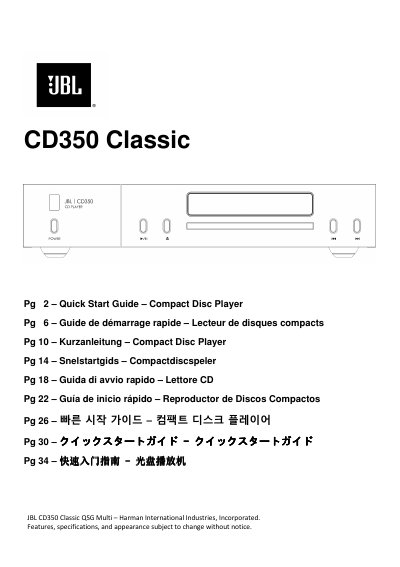
This document serves as a Quick Start Guide for the JBL CD350 Classic Compact Disc Player. It provides instructions on placing the unit, connecting it via analog or digital outputs, and operating the device using the front panel or remote control. The guide details supported disc formats, including CD-TEXT, and USB storage playback capabilities.
| DAC | PCM1796 |
|---|---|
| Frequency response | 20Hz - 20kHz ± 0.05dB |
| Nominal output level | 2.0 ± 0.3V |
| Total harmonic distortion + Noise | 0.007% |
| Signal/Noise ratio (A -wtd) | 105dB |
| Mains voltage | 100–240V, 50 –60Hz |
| Maximum power consumption | 12 W |
| Dimensions | 448 W x 89 H x 290 D mm |
| Weight (net) | 5.8 kg |
The player supports Compact Discs (audio CDs), Write once, recordable Compact Discs (CD-R), Re-writable, recordable Compact Discs (CD-RW), and CD-TEXT discs.
Press the Eject button on the front panel or long press the stop button on the remote control.