
The JBL CD350 Classic is a compact CD player that features: - Playback of CD, CD-R, and CD-RW discs - AM/FM tuner - 3.5mm auxiliary input - Headphone output - Remote control - Bass boost - Shuffle and program playback functions
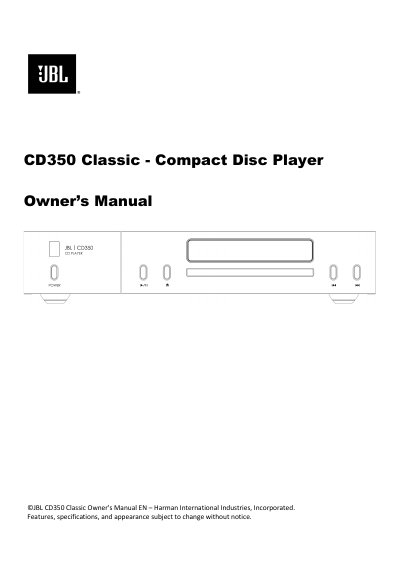
The JBL CD350 Classic is a compact disc player. This owner's manual explains installation, front and rear panel controls, remote control, analog and digital connections, and daily operation.
It also describes the menu, supported disc and file formats, troubleshooting, and specifications, plus safety instructions and package contents.
Press eject to open the tray, place the CD with the label facing up, then press eject to close or play to close and start playback.
Yes, it enters standby after 20 minutes with no audio playing and no user interaction, and this can be turned off in the menu.
Yes, insert a USB flash drive into the rear USB socket and press play; do not use a USB extension cable.
Digital connections are recommended when using the CD350 with either the JBL SA550 or SA750 amplifiers.