
Key facts
Start here
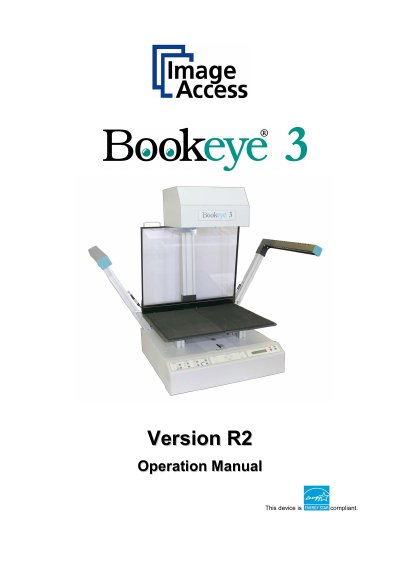
Image Access Bookeye 3 Version R2 Operation Manual
The Image Access Bookeye 3 is an efficient document scanner featuring an integrated web-based user interface. This manual guides users through normal operations, including connecting power and network sources, operating the book cradle, and utilizing the software's various scanning modes such as Fixed Focus, Flat, Folder, Book, and Laser guided Document Type Detection.
The guide also details troubleshooting procedures for common issues and provides technical specifications regarding electrical requirements, ambient conditions, and physical dimensions. It includes safety notes regarding laser usage and EMC compliance declarations.
All Image Bookeye 3 Version R2 documents by type
Day-to-day operation, settings and troubleshooting. Start here if the product is already set up.
Questions answered in these manuals
What software does this manual cover?
This manual covers normal operation but does not cover application software like BSW, BSCAN or BCS2.
Where can I find the Setup and Assembly Manual?
It is written for technical staff with basic mechanical skills and covers setup procedures.