
Key facts
- Brand
- Hayward
- Model
- AQL2-WW-RF-PS-4
- Documents
- 2
- Languages
- EN
- Last added
- 2023-10-15
Start here
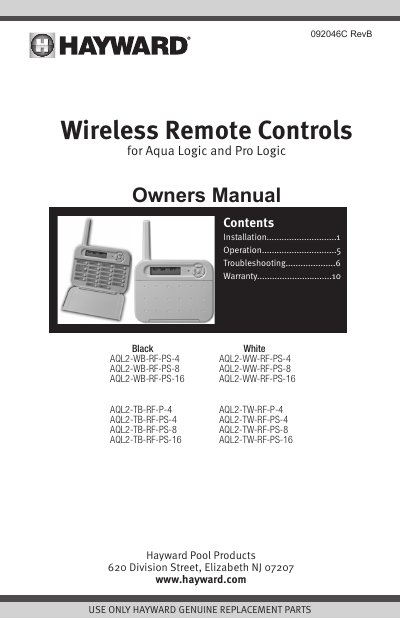
Hayward AQL2 Wireless Remote Controls User Manual
The document serves as a user guide for the Hayward AQL2 series of wireless remote controls. It covers various models including wall-mount units (AQL2-Wx-RF-PS-x) and tabletop battery-operated units (AQL2-Tx-RF-P-4/PS-x). The manual details compatibility requirements with Pro Logic and Aqua Logic control systems, specifying necessary software revisions for the base station and main controller.
Read onlineAll Hayward AQL2-WW-RF-PS-4 documents by type
Day-to-day operation, settings and troubleshooting. Start here if the product is already set up.
Questions answered in these manuals
What software revision is required for Aqua Logic controls?
The system requires an Aqua Logic PS model operating with software revision r2.00 or higher.
What is the maximum range for the wireless remote?
The unit must be installed within 250 ft through walls or 500 ft line of sight from the base station.
What are the compatibility requirements for the AQL2 wireless remote?
This product is compatible with all Pro Logic controls and with Aqua Logic PS controls operating with software revision r2.00 or higher and using an AQL2-BASE-RF Base Station operating with software revision r3.00 or higher.
What is the maximum range for the wireless remote?
The wireless remote display/keypad must be installed within 250 ft. (assuming the signal will have to travel through walls) or 500 ft. (line of sight) from the base station.