
Key facts
- Brand
- EDIFIER
- Model
- M3600D
- Industry
- Electronics
- Documents
- 2
- Languages
- RU · EN
- Last added
- 2026-11-18
Start here
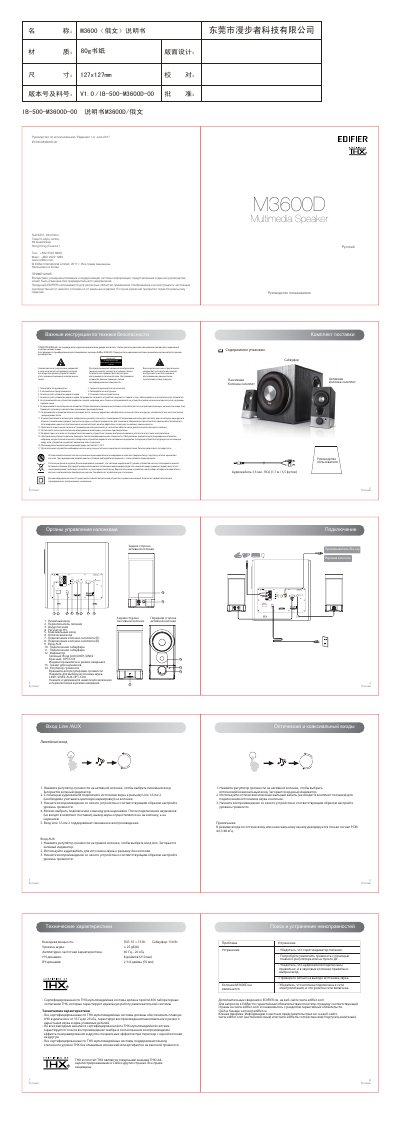
Edifier M3600D Multimedia Speaker User Manual
This manual provides instructions for connecting and operating the Edifier M3600D multimedia speaker system. It details input options including Line/AUX, optical, and coaxial, as well as controls for volume, bass, and headphone output. Safety precautions are included to prevent electrical hazards.
Technical specifications cover power, frequency response, and speaker drivers. The manual also includes troubleshooting tips and disposal instructions for compliance with EU regulations. This manual is written in Russian.
All Edifier M3600D documents by type
Day-to-day operation, settings and troubleshooting. Start here if the product is already set up.
Questions answered in these manuals
How do I connect the M3600D to an audio source?
Use an audio cable to connect to the Line 1/Line 2 or AUX input. Select the input using the volume knob, and the corresponding indicator will light up.
What is the stated output power of the M3600D?
The left/right channels are rated at 35 + 35 Вт, and the subwoofer is rated at 130 Вт.
How do I select the Line input?
Press the volume dial on the active satellite speaker to select Line input, and the LED indicator will turn to green.
How do I select the Optical/Coaxial input?
Press the volume dial on the active satellite speaker to select the Optical/Coaxial input, and the LED indicator will turn to red.