
Key facts
Start here
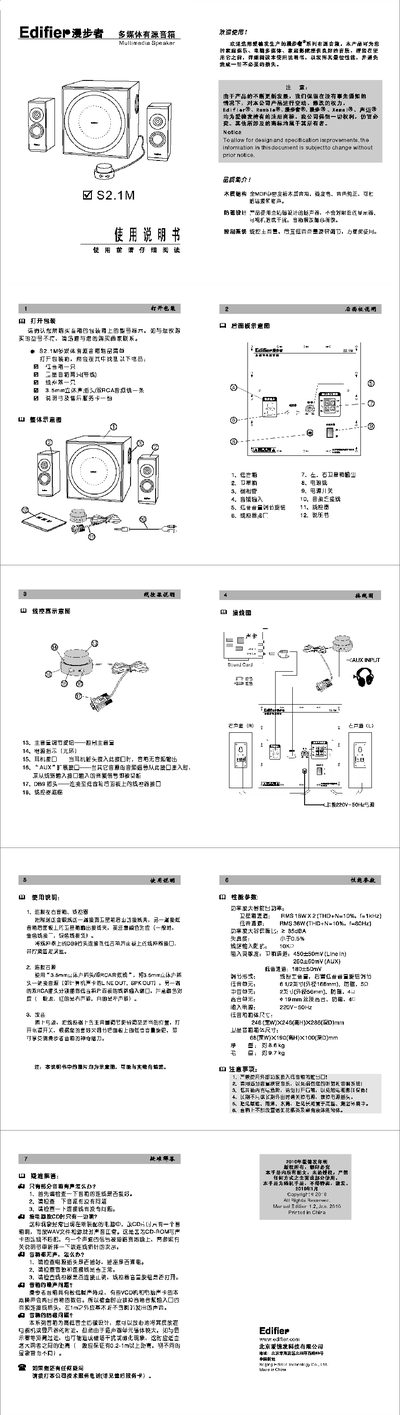
Edifier S2.1M Multimedia Active Speaker User Manual
This manual provides step‑by‑step instructions for unpacking, connecting, and operating the Edifier S2.1M multimedia active speaker system. It includes details on wiring the satellite speakers, bass unit, and line‑control module, as well as safety precautions and recommended usage.
The document also lists the technical specifications such as power output, signal‑to‑noise ratio, driver sizes, and dimensions, and offers a troubleshooting guide for common issues like partial audio output or no sound at all. This manual is written in Chinese.
EDIFIER S2.1M specifications
| Bass channel power output | RMS 36W (THD+N=10%, f=80Hz) |
|---|---|
| Signal‑to‑noise ratio | > 85 dBA |
| Total harmonic distortion | < 0.5% |
| Line input impedance | 10 kΩ |
| Bass driver | 6.5" (166 mm) magnet‑free |
| Midrange driver | 2" (56 mm) magnet‑free |
| Power input | 220 V~ 50 Hz |
| Net weight | ≈ 8.6 kg |
All EDIFIER S2.1M documents by type
Day-to-day operation, settings and troubleshooting. Start here if the product is already set up.
Questions answered in these manuals
Only part of the speaker has sound, what should I do?
First check that all speaker connections are secure, then verify the audio source is functioning, and finally inspect the audio cable for faults.
Why does the CD player only output sound from one side?
This is usually caused by a mismatch between the CD‑ROM and sound‑card wiring; one channel may be shorted to ground and needs to be re‑wired according to the manual.
How can I save the current volume and EQ settings before turning off the system?
Mute the system first; the current volume and EQ settings will be retained when power is removed.
From: Edifier S2.1 User Manual