
Key facts
- Brand
- EDIFIER
- Model
- R1000TCN
- Category
- Home Speakers
- Documents
- 2
- Languages
- ES · EN
- Last added
- 2023-10-30
Start here
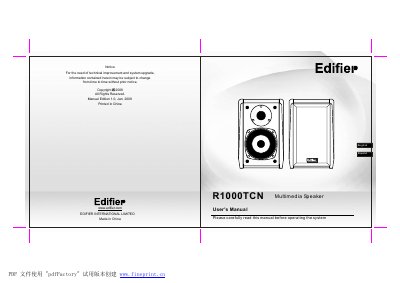
Edifier R1000TCN Multimedia Speaker User's Manual
The Edifier R1000TCN user manual explains the speaker package contents, controls and connections. It describes connecting the main and secondary speakers, a sound card to the Line-In input, and the power cable to a wall AC outlet.
The Spanish-language manual also lists safety instructions, product specifications, a limited one-year warranty, and troubleshooting checks for no sound, noise, crackling, distortion and interference. This manual is written in Spanish.
Edifier R1000TCN specifications
| Total output power | RMS 8W x 2 |
|---|---|
| Input type | Stereo RCA input ports |
| Input impedance | 20K ohm |
| Woofer unit | 4 inch (106 mm), magnetically shielded, 8 ohm |
| Power supply (120 V regions) | 120 V (United States, Canada and relevant Latin American countries) |
| Power supply (220 V regions) | 220 V (Europe, UK, relevant Asian countries, Argentina, Chile and Uruguay) |
| Speaker dimensions | 150 (W) x 228 (H) x 161 (D) mm |
| Total weight | 6.5 kg (approximate) |
All Edifier R1000TCN documents by type
Day-to-day operation, settings and troubleshooting. Start here if the product is already set up.
Questions answered in these manuals
How should I connect the speakers?
Connect the main speaker to the secondary speaker with the speaker connection cable, then connect a sound card to the Line-In input and the power cable to a wall AC outlet.
How far apart should the speakers be placed?
Leave at least 1.5 meters between the speakers; for best results, sit at least 1 meter from the speaker.
Why is there no sound from the speakers?
Check that the subwoofer is plugged into a working AC outlet, the power switch is on, volume controls are set correctly, the mute is off, and all audio cables are securely connected.
How do I connect the second speaker enclosure to the main cabinet?
Use the speaker connecting cord, matching the colors (red to red, black to black), to link the second enclosure to the main speaker enclosure.