
Key facts
Start here
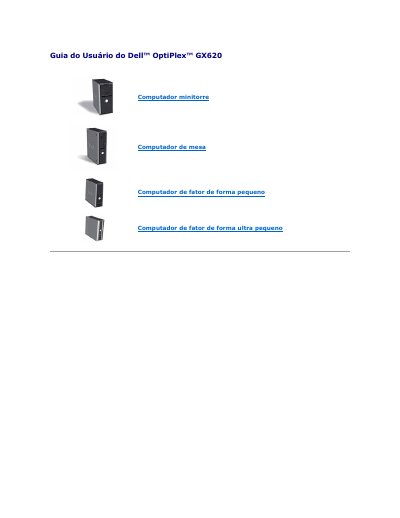
Dell OptiPlex GX620 User's Guide
This document is the User's Guide for the Dell OptiPlex GX620 computer, available in various form factors including tower, desktop, small form factor, and ultra small form factor. It provides instructions on managing the system, including the LegacySelect technology which allows administrators to electronically enable or disable connectors and media devices such as serial, USB, parallel, floppy, PCI slots, and PS/2 mice. Changes made via LegacySelect require a system reboot to take effect. This manual is written in Portuguese.
Read onlineDell OptiPlex GX620 specifications
| ASF alert support | ASF version 1.03 and 2.0 alerts |
|---|---|
| System password length | Up to 32 characters |
| System battery low voltage | 2.2 V or lower |
All Dell OptiPlex GX620 documents by type
Day-to-day operation, settings and troubleshooting. Start here if the product is already set up.
Questions answered in these manuals
What voltage level indicates a low battery?
The system battery is considered low when it reaches a voltage of 2.2 V or less.
How many characters can be used in a system password?
You can use up to 32 characters for the system password.
What do the diagnostic lights on the front panel indicate?
These lights help you troubleshoot a computer problem based on the diagnostic code.
How long must you hold the power button to avoid losing data?
You must not press the power button for 6 seconds or longer to avoid losing data.
What is LegacySelect technology control?
It offers legacy-full, legacy-reduced, or legacy-free solutions based on common platforms, hard-drive images, and help desk procedures.
What does ASF do?
It is designed to generate an alert on potential security and fault conditions when the operating system is in a sleep mode or the system is turned off.