
The Dell™ OptiPlex™ GX620 User's Guide provides information on the various features and characteristics of the computer.
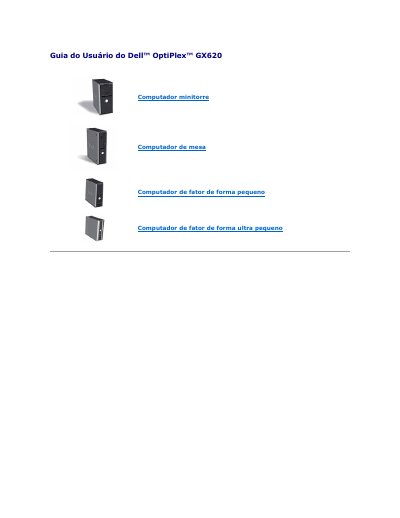
This document is the User's Guide for the Dell OptiPlex GX620 computer, available in various form factors including tower, desktop, small form factor, and ultra small form factor. It provides instructions on managing the system, including the LegacySelect technology which allows administrators to electronically enable or disable connectors and media devices such as serial, USB, parallel, floppy, PCI slots, and PS/2 mice. Changes made via LegacySelect require a system reboot to take effect. This manual is written in Portuguese.
The system battery is considered low when it reaches a voltage of 2.2 V or less.
You can use up to 32 characters for the system password.
The computer will display a warning message stating that passwords are not fail-safe and that additional protection is the user's responsibility.