
Key facts
Start here
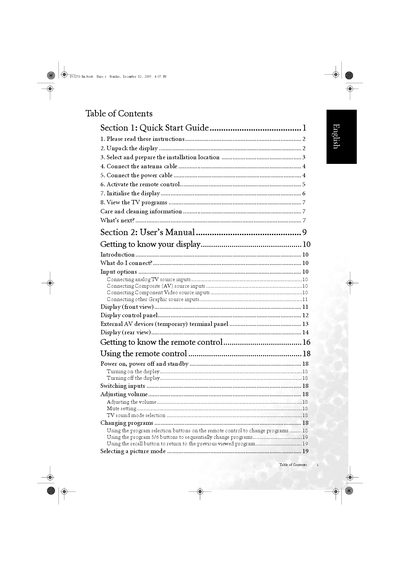
BenQ V32S/DV3251/DV3253 LCD Display Quick Start Guide
Quick Start Guide 50 pages · 3.2 MB · EN
This guide helps you set up your BenQ V32S/DV3251/DV3253 LCD display quickly and safely. It includes instructions for unpacking, selecting a proper installation location, connecting antenna and power cables, and using the remote control.
Additional sections cover picture and audio settings, troubleshooting common issues, and safety precautions such as avoiding water, heat sources, and ensuring proper ventilation.
All BenQ DV3253 documents by type
User Manual 1
Day-to-day operation, settings and troubleshooting. Start here if the product is already set up.
Quick Start Guide 1
The shortest path to a working setup, usually only a few pages.
Questions answered in these manuals
How can I change channels using the remote control?
Press the channel up or down buttons on the remote to switch channels.
What clearance should be left when mounting the monitor?
Leave at least 50‑100 mm of space around the monitor for proper ventilation and safety.