
BenQ V32S/DV3251/DV3253 LCD Display Quick Start Guide

This document is the quick start guide and user manual of DV3251, which includes product installation, connection and usage methods
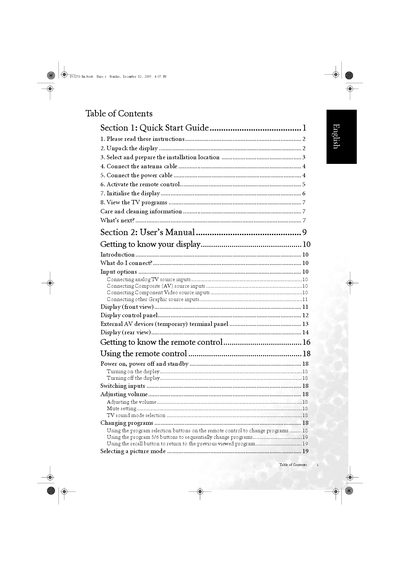

BenQ V32S/DV3251/DV3253 LCD Display Quick Start Guide - cover page
Brand
BenQ
Category
Monitor
Document type
Quick Start Guide
Language
English
Pages
50
File format
PDF
File size
3.2 MB
Published
03 May, 2012
Updated
30 September, 2023
Models
DV3251, DV3253
MD5 checksum
B6AB4C1D8CC1B0EE59D6847D9D7F595B

About this manual

This guide helps you set up your BenQ V32S/DV3251/DV3253 LCD display quickly and safely. It includes instructions for unpacking, selecting a proper installation location, connecting antenna and power cables, and using the remote control.

Additional sections cover picture and audio settings, troubleshooting common issues, and safety precautions such as avoiding water, heat sources, and ensuring proper ventilation.

What's inside

  • Quick Start Guide
  • Unpacking and Safety Precautions
  • Installation Location Guidelines
  • Connecting Antenna and Power Cables
  • Remote Control Operation
  • Picture and Audio Settings
  • Troubleshooting
Download PDF (3.2 MB)

More BenQ Manuals


View all BenQ manuals →