
This manual covers the usage of ZLG's ADS1.2 IDE, EasyJTAG simulator installation, project management for ARM microcontrollers, and various software…
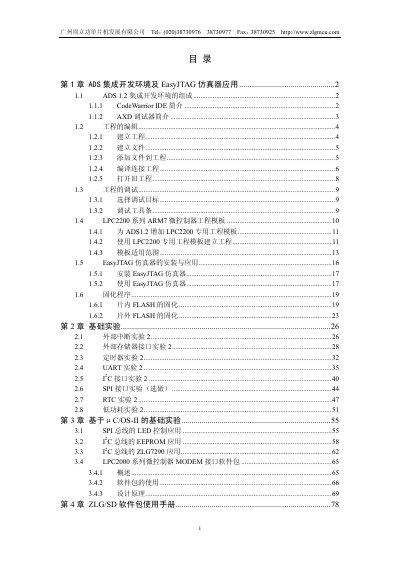
The document serves as a comprehensive application guide for the ADS1.2 Integrated Development Environment (IDE) developed by Guangzhou Zhouli Microcontroller Development Co., Ltd. It details the setup of projects using CodeWarrior IDE, configuration of AXD debuggers, and specific templates for LPC2200 series ARM7 microcontrollers.
Additionally, the manual provides instructions for installing and applying the EasyJTAG simulator, solidifying programs into internal or external FLASH, and conducting a wide range of practical experiments. These include basic hardware interface tests (UART, I2C, SPI), operating system development based on µC/OS-II, and building µCLinux development platforms. This manual is written in Chinese.
ADS1.2 can run on Windows98, Windows XP, Windows2000, and RedHat Linux.
You can click Start -> Programs -> ARM Developer Suite v1.2 -> CodeWarrior for ARM Developer Suite, or double-click the shortcut.