
This manual covers the operation, maintenance, settings, and troubleshooting for the Zebra Z4M industrial barcode printer.
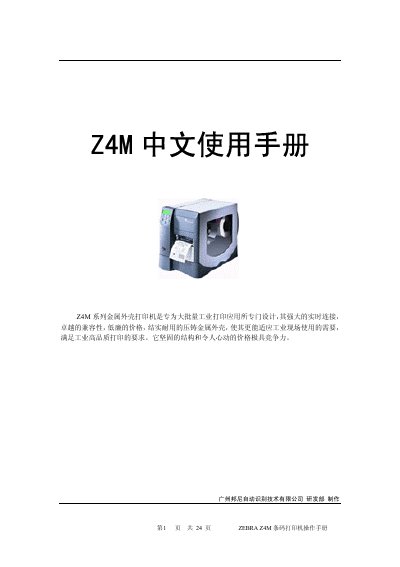
The Zebra Z4M is a metal-cased barcode printer designed specifically for high-volume industrial printing applications. It features robust construction, excellent compatibility, and real-time connectivity to meet demanding industrial requirements.
This user manual provides instructions on basic parameters, setup procedures including power and interface connections, media installation (ribbon and paper), maintenance tasks such as cleaning and printhead pressure adjustment, configuration settings via the menu system, and troubleshooting common error conditions. This manual is written in Chinese.
| Dimensions (Height) | 338mm |
|---|---|
| Dimensions (Width) | 277mm |
| Dimensions (Depth) | 475mm |
| Weight | 14.7kg |
| Power Input | 90-265V AC, 48-62HZ |
| Operating Temperature | 5-40 degrees Celsius |
| Relative Humidity | 20%-85% |
| Communication Interface | RS232, RS485, Parallel |
| Print Resolution | 203 dpi / 300 dpi |
The printer operates within a temperature range of 5 to 40 degrees Celsius.
Open the printhead and use alcohol (70%) and cotton to wipe it, applying force during cleaning.
A flashing light indicates that the printer is in Peel off mode, or it may indicate an error with Flash memory or PCMCIA card.