
This document is the user manual for the Zebra P430i card printer, providing installation and operation information for the printer.
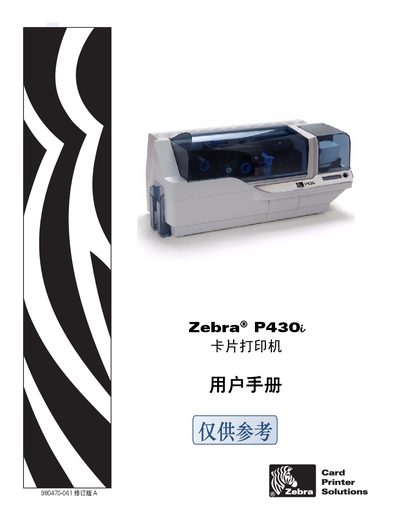
This manual covers the installation, configuration, and daily operation of the Zebra P430i card printer. It includes safety guidelines, regulatory compliance information, and contact details for Zebra support worldwide.
The document also describes the supported card technologies, interface options, and driver installation procedures, helping users get the printer up and running quickly.
| Interface | USB |
|---|---|
| Supported Card Technologies | HID ICLASS, MIFARE 4k |
| Model | P430i |
| Regulatory Compliance | FCC, EMC Directive EN 55022, EN 301489-3 |
The printer uses a USB interface.
It supports HID ICLASS and MIFARE 4k cards.
Driver software is provided on the Windows Drivers CD included with the printer.