
This manual provides operating instructions for the WINNING GW921 universal remote control, including code entry and search methods.
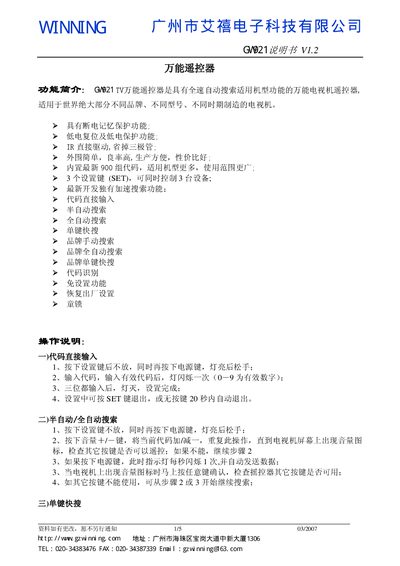
The document is a user manual for the WINNING GW921 universal remote control. It details various functions such as power-off memory protection, low-battery reset, and IR direct drive. The device supports controlling televisions from most brands worldwide using built-in codes or automatic search features.
The guide explains how to set up the remote via code entry, semi-automatic/full automatic search, brand manual search, and single-key fast search. It also covers specific functions like code recognition, factory reset, and child lock. This manual is written in Chinese.
Hold down the SET key while pressing the '0' key simultaneously.
Press the SET key, then press the Mute or '9' key until the indicator flashes twice.
They are mainly used for the Picture-in-Picture (PIP) function.