
This manual introduces the features, functions and usage of the air conditioner universal remote control.
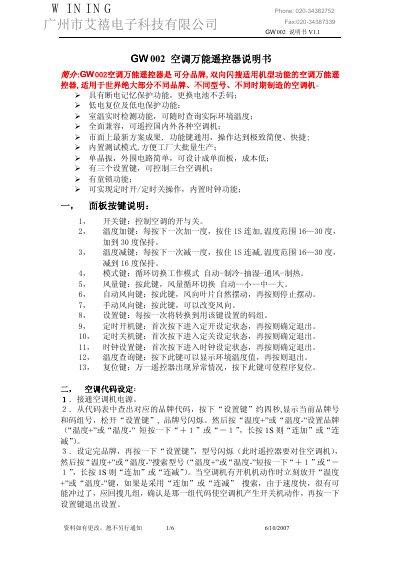
The GW002 is a universal remote controller designed for most domestic air‑conditioner brands and models. It offers power‑loss memory, low‑voltage protection, real‑time room temperature display, and the ability to control up to three units with a single device.
The manual details the panel layout, how to select brand and model codes, set the internal clock, configure on/off timers, query ambient temperature, use test mode, and enable or disable the child‑lock feature. Technical specifications such as remote range, power supply, and current consumption are also provided. This manual is written in Chinese.
| Remote distance | ≈8 m |
|---|---|
| Power type | DC 3 V |
| Static average current | <20 µA |
Press the setting key for about four seconds to display the current brand number, then use the temperature + or ‑ keys to adjust the brand code.
Hold the child‑lock key for about three seconds; a lock icon appears indicating the lock is active. Hold the key again for three seconds to remove the lock.
Press the timer‑on or timer‑off key to enter setting mode, then use temperature + or ‑ keys (or hold them) to adjust the minutes in 10‑minute steps; press the key again to confirm.