
This user guide explains how to connect, install the app, backup photos and videos, manage files, and secure data on the Western Digital iXpand Mini Flash…
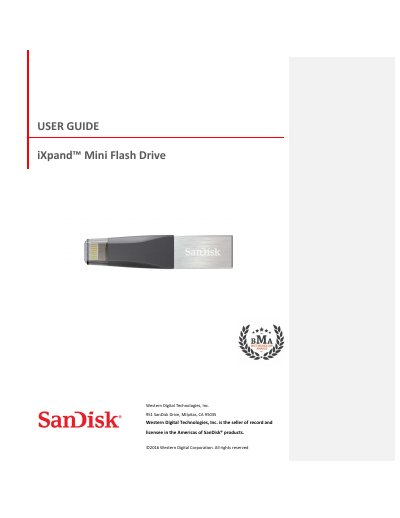
The Western Digital iXpand Mini Flash Drive is a portable storage device designed for iPhone and iPad, featuring a Lightning connector for mobile devices and a USB 3.0 connector for computers. It allows users to free up space on their devices, back up camera rolls, and transfer files quickly. The drive includes password protection software to secure sensitive files. This manual is written in Chinese.
| Interface | Lightning and USB 3.0 connectors |
|---|---|
| Operational Temperature | 0-35° C |
| Dimensions | 13 X 17 X 59mm |
| Microsoft exFAT Support | For 128GB |
The drive works with iPhone 5, iPhone 5c, iPhone 5s, iPhone 6, iPhone 6 Plus, iPhone 6s, iPhone 6s Plus, and newer models with a Lightning connector.
If the password is forgotten, locked files will not be recoverable.